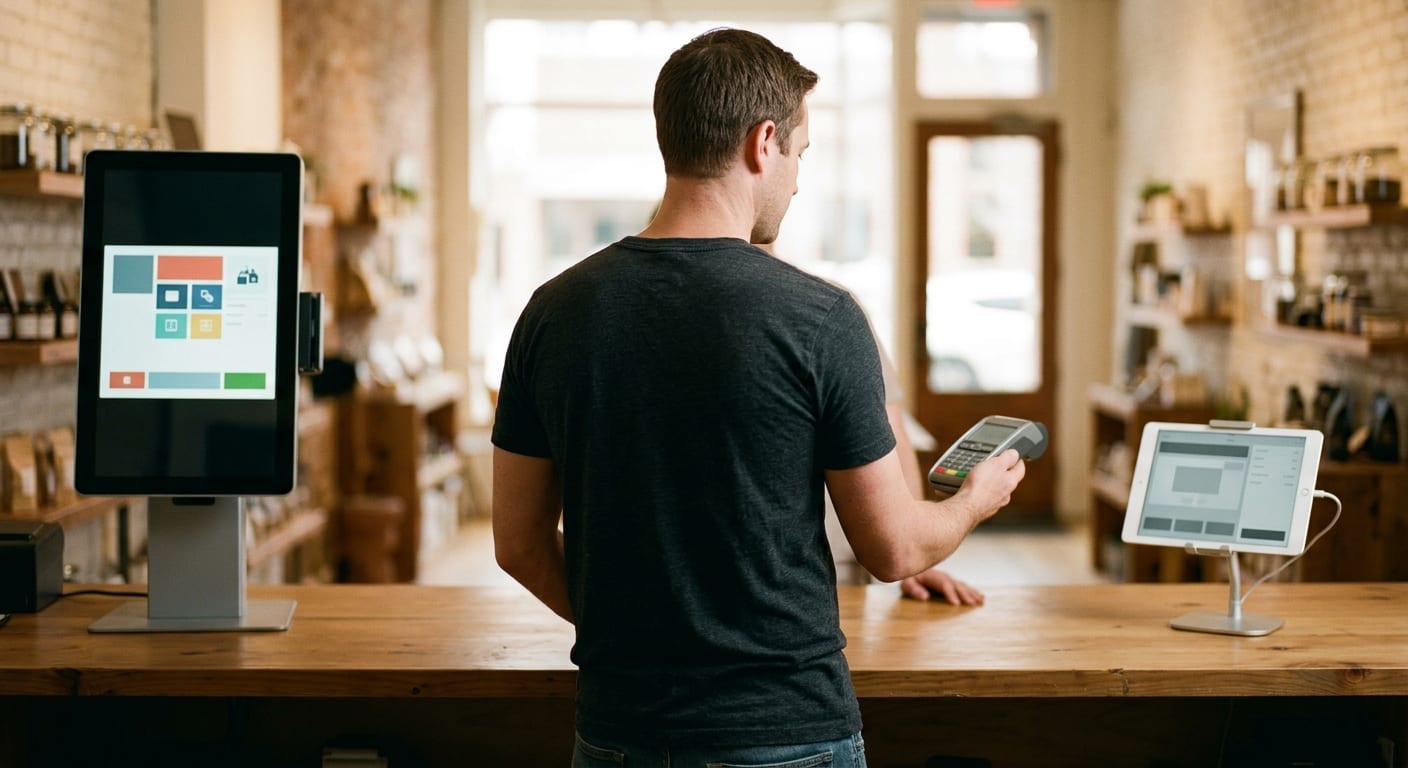
A kiosk and a tablet run the same four jobs on a dispensary floor: start a ticket, check age, move inventory, and keep selling when a screen dies. The useful answer to dispensary kiosk vs tablet POS is which form factor still works when the lobby fills and one unit freezes. Buy for that moment. The glass isn’t the system. The system is the software, the ID capture, the stock file, and the tender path that all have to agree.
Kiosk vs tablet POS at the counter
A tablet POS is a register you can hold. A kiosk is a standing screen a shopper uses without a clerk at their elbow. Both can sit on the same dispensary POS backend. If they don’t, you’ve built a second store by accident.
On a kiosk, the guest filters flower, carts a gram, and sends the order to a queue. A budtender picks, weighs if needed, and takes payment at a staff terminal. That split is the whole point, and the whole risk. If the kiosk shows a product the register already sold, the guest is staring at a ghost.
On a tablet, one person can walk the floor with the live catalog. They scan an ID at the door, add items at the case, and close the ticket at a dock that has the printer and the drawer. The same device is a handheld during the rush and a counter during the lull.
POS means the system of record. It prices the item, decrements the package, writes the receipt, and feeds whatever traceability file your license sits on. A kiosk is an input. A tablet can be the full register. Calling a menu screen a POS because it’s a piece of glass is how shops buy the wrong thing.
Use a kiosk when guests wait in a lobby and you want them choosing before they reach a human. Use a tablet when staff has to move: ID at the door, talk at the case, checkout at a small counter. Many floors run both. That only works when both devices read and write the same inventory, the same prices, and the same customer record. Two menus isn’t a backup. It’s a fight.
| Floor job | Kiosk | Tablet |
|---|---|---|
| Guest browse | Shopper builds the list on a standing screen | Clerk or shopper uses a handheld |
| Close the ticket | Often handed to staff to fulfill and tender | Same device can finish the sale |
| Age check | Works only if ID capture is in the same visit | Can walk to the door, then to the dock |
| When it dies | That lane is blocked until you recover it | One clerk is down if you have no spare |
| Footprint | Bolted, needs power and a queue | Fits a stand, a drawer, a printer |
Lines, speed, and what breaks mid-shift
The line forms at the ID check, not at the glass. A kiosk doesn’t shorten that line if every ticket still waits for one clerk with one scanner. It shortens the line only when browsing happens in parallel with fulfillment. Shoppers tap while staff bags. That’s the speed you actually bought.
A tablet shortens a different line. The clerk is the line. If they can scan ID, walk, and ring without a round trip to a fixed terminal, you removed the dead walk. In a small shop that walk is the rush. In a large lobby, the kiosk eats the browse and the tablet still has to finish the bag.
Then something freezes. A kiosk that locks becomes a blockade in the lane you designed around it. Guests don’t move a pedestal. Your backup is another kiosk, or a tablet that can pull the same queue. If the only copy of that order lives in the frozen unit, you just taught the room to use staff.
A tablet that dies is one clerk down. Batteries drop mid-afternoon on a Friday. Screens crack on the case edge. You pull a spare from the drawer, sign in, and the queue moves. That spare is the whole argument for tablets as the register. It’s also the argument against treating a single tablet as infrastructure.
Network drops are the third failure. Cloud software that can’t cache a ticket will spin both form factors. Ask in the demo what happens with the Ethernet unplugged. Watch it. Local cache, queued tickets, and a printer that still fires are operational facts. A promise that the internet is stable isn’t a plan.
Don’t put the only ID scanner on the device that also runs every sale. When that unit hangs, you can’t verify age and you can’t ring. Split the risk: scanner at the door, register at the dock, kiosk as a start screen. Speed is what still works after one piece fails.
Age checks, inventory, and the register as one system
Age check isn’t a clipboard next to the POS. If the ID scan doesn’t sit on the same ticket the register closes, you’ll miss a mismatch when it matters. Age verification belongs in the same workflow as the sale, on kiosk or tablet. A kiosk that lets a guest build a cart before anyone has seen an ID just moved the check later, into a busier counter.
A tablet can take the scanner to the door. Scan, confirm, then shop. The kiosk can’t walk. You either put an attendant at the kiosk with a reader, or you check ID before the guest is allowed onto the floor, then let them browse. The POS has to record that the check happened on that visit, not in a paper log that never meets the receipt.
Inventory is the other half of one system. Hemp products aren’t tracked in state seed-to-sale systems the way licensed cannabis is. The package that sells on the kiosk has to leave the same stock file the tablet uses, and that file has to support traceability reporting your regulator actually runs. Tag formats and transfer manifests are set by the regulator, not by the kiosk vendor, and they get amended between license renewals.
Never let the kiosk carry a menu-only catalog. Sell the last unit on one device. The other device must refuse it. If a rep shows you pretty screens that update live and can’t pass that test, you’re buying signage.
Payments sit beside this, not inside the glass. Cannabis remains a federally scheduled substance under the Controlled Substances Act, which is why the major card networks don’t carry plant-touching sales the way they carry ordinary retail. A kiosk with a card reader bolted on doesn’t change that. Read our page on dispensary payments before you bolt a reader to a kiosk. We wrote the hardware-versus-software check in our guide to the best dispensary POS system for the full stack.
Hardware you can swap without ripping out the whole shop
The shop should survive a dead screen. That’s the hardware test.
A tablet setup is a tablet, a stand or case, a printer, a scanner, an ID reader, and usually a cash drawer. Any one of those can fail. The win is that you can replace the tablet without moving the counter. Keep a charged spare, the same login flow, and peripherals that use common cables. A lease is often the most expensive way to buy the cheapest device. Buy the unit, own the spare, and treat the stand as furniture.
A kiosk is furniture that happens to compute. Pedestal, power drop, maybe a floor mount through tile. When the board dies, you’re waiting on a part, not grabbing a spare from the safe. Ask what piece actually fails: the PC in the base, the touch overlay, the payment bracket. If the vendor will only ship a whole column, you don’t have a spare. You have a remodel.
Printers and scanners shouldn’t be married to one form factor. A receipt printer on the network can serve a kiosk queue and a tablet dock. An ID reader at the door can feed either. That’s how you swap without ripping out the shop. The thing you shouldn’t swap is the stock file. New glass, same backend.
Payment hardware is its own path. Card readers, cash, and gift follow underwriting and network rules, not the kiosk brochure. We place processing and dispensary point of sale that will hold up under a bank’s review. We don’t approve accounts, and we won’t wire a workaround into a pedestal. If a demo leans on a cashless ATM or a miscoded category to take cards, walk out. The merchant absorbs the loss when that unwinds.
How to judge a demo without buying the pitch
Ignore the renderings. Sit in your own lobby flow. Bring a clerk who works the Friday rush, not the owner who liked the pitch deck.
Ask the rep to run one ticket from ID to receipt on the kiosk, then the same ticket on the tablet, against the same inventory. If they need a different login world for each, the integration is a screenshot. Watch the decrement. Watch the age flag on the ticket. Watch the printer.
Then break it.
- Unplug the network and watch whether a ticket still closes or the screen spins.
- Scan an ID, finish that same ticket on the same device, and confirm the age check is on the receipt record.
- Sell the last unit of an SKU on the kiosk and confirm the tablet can’t sell it again.
- Unplug the kiosk and time how long until a spare tablet can take that lane’s queue.
- Print a receipt and an ID scan on the hardware you’ll actually buy, not the show unit.
If they won’t unplug the network, you already have the answer.
Listen for claims about labor disappearing. A kiosk can move browsing off a clerk. It doesn’t pull product from a vault, or help a guest who can’t use a touch screen. Staff mix is your call. The device shouldn’t pretend it hired someone.
Listen for processing promises tied to the pedestal. A screen doesn’t get you a merchant account. Placement still starts with how the business actually works, then a match to processing that can survive underwriting. No honest answer to whether you’ll definitely be approved is yes.
When the demo is over, you should know three things. Which device starts the ticket. Which device is allowed to finish it. What you’ll use in the afternoon when one of them is dark.
If you want the cost structure in writing before you commit to a hardware mix, use the contact page or call (844) 860-5505. We’ll tell you straight what the floor setup implies for placement. The bank still decides underwriting.
Frequently asked questions
What is the difference between a POS and a kiosk? A POS is the system that prices items, drops inventory, and closes the ticket. A kiosk is a standing screen that feeds that system. One is the register of record. The other is a way for a guest to start an order without a clerk typing it.
Can I use a tablet as a POS system? Yes, when the tablet runs the same software, the same stock file, and the same tender flow as your counter. A tablet that only shows a menu and never decrements a package is signage.
What POS system do dispensaries use? They use software built for licensed cannabis retail, with ID capture, package-level inventory, and a path into the traceability system their regulator runs. The kiosk or tablet is just the glass. Judge the system first.
Do kiosks replace budtenders? Only if you design the floor that way. Most shops use the kiosk to start tickets and keep people on ID, fulfillment, and the questions a screen can’t answer.
What should you not do with this hardware? Don’t let the kiosk run a different catalog than the register. Don’t park the age check on paper while the POS rings the sale. Don’t buy a pedestal you can’t replace mid-shift.