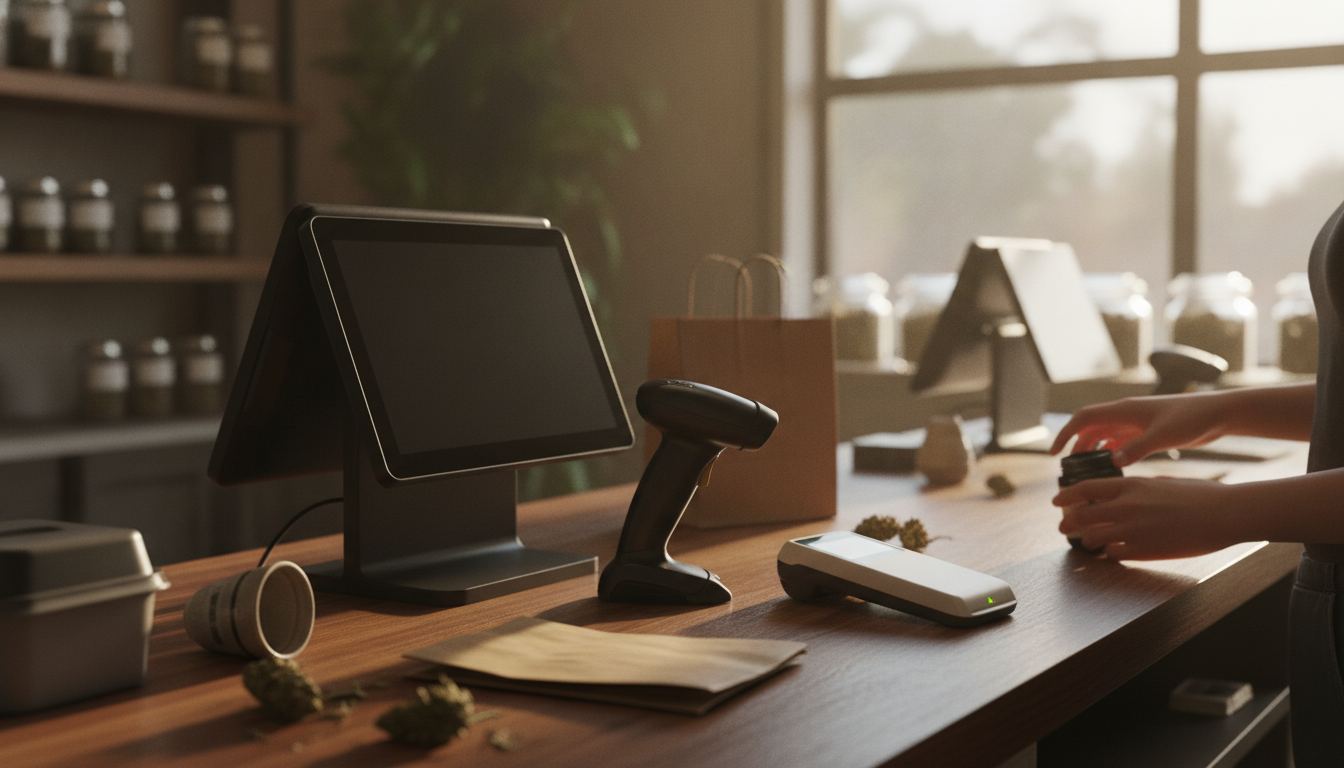
The main types of pos systems for retail are countertop, cloud-based, tablet, mobile, self-service and specialty systems. The right fit depends on how customers buy, what you sell, how staff verify age, and whether payment processing needs separate underwriting. Start with your checkout flow, then compare hardware and software.
Which types of pos systems for retail fit each checkout?
Most retailers can narrow the field by matching the system to the place and manner in which transactions happen. A fixed register suits a consistent checkout counter. Mobile hardware suits staff who need to sell, receive stock or check inventory away from that counter.
Countertop systems usually combine a screen, receipt printer, cash drawer, scanner and payment terminal. They are familiar to staff and practical for stores with steady lines. A cloud-based system stores business data online, making it easier to review sales or manage products from another authorized device.
Tablet and mobile systems trade some physical permanence for flexibility. They can support pop-up counters, line busting or assisted selling. Self-service kiosks may work for eligible products, although restricted merchandise can still require employee intervention under applicable law or store policy.
Specialty systems add workflows that general retail software may lack. A smoke shop POS, for example, may need detailed product variants, age prompts and inventory controls. A vape shop POS may also need category restrictions and clearer staff permissions.
How do countertop, cloud and mobile systems differ?
Countertop, cloud and mobile systems mainly differ in where they run, how staff access them and how dependent they are on connected hardware. The best choice is the simplest setup that reliably handles your actual sales process.
A countertop system gives the checkout area a stable home. It can accommodate scanners, printers, customer displays and cash management without staff carrying devices around. Ask what happens if the internet drops, which features remain available and how queued transactions are handled after service returns.
Cloud software can make product updates and reporting easier across authorized devices. It also introduces questions about account permissions, data exports, software updates and ongoing support. Confirm that you can retrieve your sales and inventory records in a useful format if you later change systems.
Mobile systems can help employees serve customers throughout the store. They also require a plan for charging, device security, wireless coverage and supervisor approvals. Mobility is valuable only when it removes a real bottleneck rather than adding more devices to manage.
What should restricted-product retailers examine?
Restricted-product retailers should examine age controls, catalog accuracy, processor compatibility and recordkeeping before choosing hardware. A polished register cannot fix a merchant account or gateway that does not support the products being sold.
Age checks should be part of the transaction flow, not a note taped beside the register. Look for configurable prompts, employee permissions and records that support your operating process. Our guide to age verification explains how checkout tools can support staff without replacing their responsibility to follow applicable rules.
Product classification matters too. Hemp, CBD, kratom, vape and smoke shop merchandise can be treated differently by underwriters and software providers. State law also varies, so confirm the rules that apply in your own state. Review labels, ingredients, lab records and marketing claims before submitting an application.
Plant-touching cannabis remains federally scheduled, so card acceptance cannot be promised. A dispensary POS can support inventory, reporting and store operations, but that does not make ordinary card processing available. Cashless ATMs are a miscoded-transaction scheme that card networks have acted against, and we do not sell them. Read more about cashless ATM risks before considering any vendor that presents one as normal card acceptance.
Should the POS and payment processor be chosen together?
The POS and payment processor should be evaluated together, but they do not always need to come from the same provider. What matters is a documented connection between the register, gateway, merchant account and settlement process.
An integrated setup can reduce manual entry and keep transaction records tied to the correct sale. A poorly matched setup may force staff to enter totals twice, complicate refunds or leave reporting split across unrelated dashboards. Ask whether the integration supports returns, partial refunds, tips, taxes and transaction reconciliation as your store requires.
For CBD sellers, the payment gateway carries transaction data while the merchant account supports card acceptance under the acquiring bank’s approval. Neither should be treated as an afterthought. The rate depends on your volume, your average ticket and your industry, and you see the whole schedule in writing before you sign.
A dedicated CBD merchant account is underwritten around the business and its products. That differs from an aggregator built to board broad groups of sellers through standardized rules. Approval always rests with the acquiring bank.
How can you compare POS proposals clearly?
Compare proposals by using the same store requirements for every vendor. Separate essential functions from attractive extras, then ask each provider to show how the system handles ordinary sales, restricted items, refunds, outages and staff access.
Build the comparison around daily work:
- Product catalog depth, variants and barcode support
- Age prompts and employee override controls
- Inventory receiving, transfers and low-stock alerts
- Refund, return and void permissions
- Gateway and merchant account compatibility
- Data exports and ownership
- Offline behavior and recovery
- Hardware replacement and software support terms
Read agreements instead of relying on a sales demonstration. Check the term, cancellation language, hardware ownership, data access and every recurring charge. For product eligibility questions, compare the provider’s current documentation with our overview of processor policies for hemp and CBD. The provider still makes its own underwriting decision, and policies can change.
Frequently asked questions
Can a general retail POS work for a CBD store?
It can work if the software supports the catalog, age-check process, inventory detail and payment connection the store needs. The harder question is usually whether the merchant account and gateway accept the actual product mix. Confirm eligibility during underwriting and provide accurate labels, ingredients, lab records and website information.
Does a cloud POS require internet access?
A cloud POS normally depends on connectivity for at least part of its operation, but outage behavior differs by product. Ask the vendor to demonstrate what staff can do while offline, how transactions are stored, what happens to restricted-item prompts and how data synchronizes when the connection returns.
Is an age prompt the same as age verification?
No. A prompt only reminds an employee to perform a required step. Effective verification also depends on store policy, staff training, suitable tools and the law that applies in the seller’s own state. Confirm whether the system records the event, limits overrides and protects any sensitive information it collects.
Can one POS manage online and in-store inventory?
Some systems can synchronize both channels, but compatibility depends on the commerce platform, catalog structure and integration. Ask how quickly stock changes appear, how returns affect inventory and which system controls product data. Restricted products also need consistent descriptions and eligibility rules across the store and website.
What information should I prepare before requesting a recommendation?
Prepare your product categories, sales channels, average ticket, expected volume, current hardware, preferred commerce platform and required inventory features. Restricted-product sellers should also gather business documents, product labels and supporting records. Then tell us about your store so the proposed setup can be matched to your operations and submitted for proper underwriting.