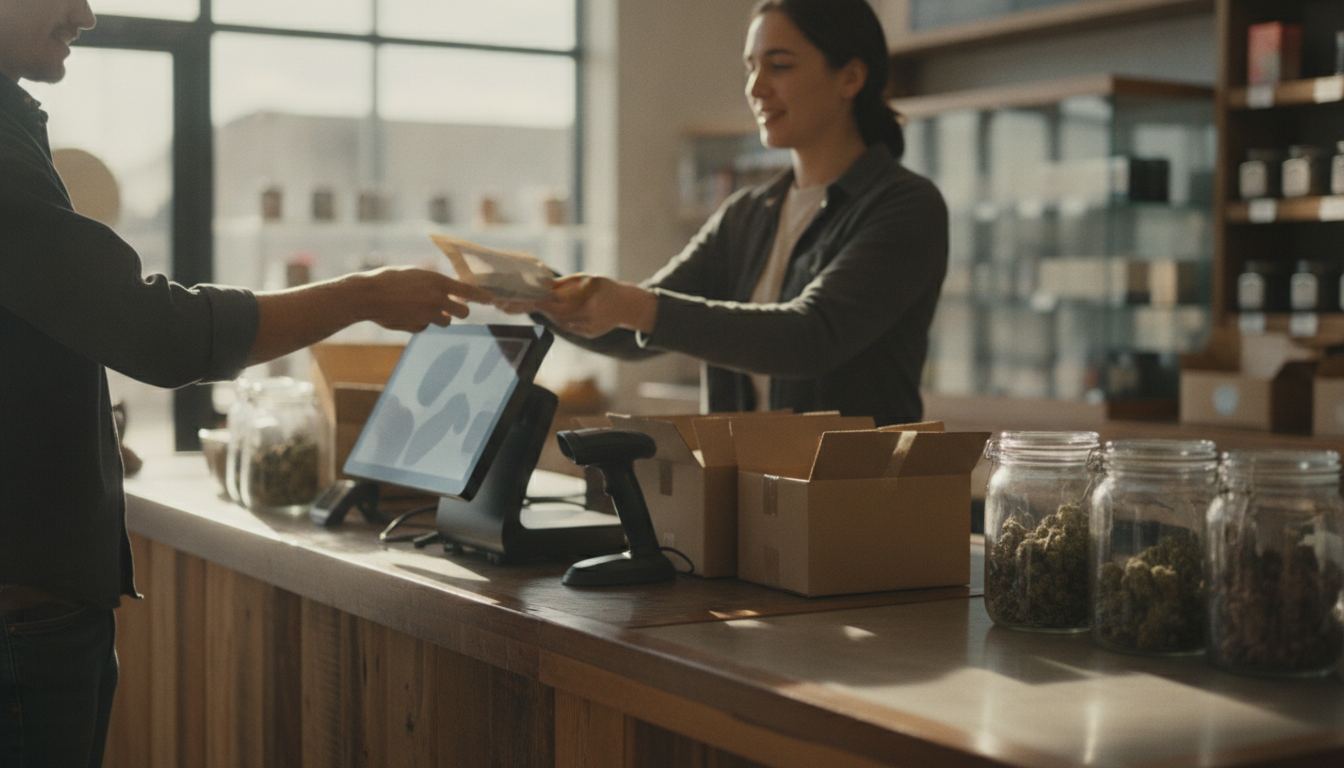
A pos system for retail with barcode scanner should turn each scan into the correct product, price, tax treatment and inventory change. For a regulated retailer, it should also support age checks, clear staff permissions and a payment setup matched to the products actually sold, without forcing risky workarounds.
What should a pos system for retail with barcode scanner handle?
It should recognize each product and variant, then apply the right price, tax class, age flag and inventory adjustment. The barcode is only a lookup key. The product record behind it determines what staff see and how the sale is handled.
That distinction matters for regulated catalogs. Similar packages may contain different formulas, sizes or flavors. A vague product name creates room for mistakes at receiving, checkout and reorder time. Each record should identify the exact item in language employees can understand quickly.
The system should also accommodate the way your store operates. A smoke shop POS may need broad accessory categories, while a vape shop POS may need detailed variant tracking. The right structure follows the real catalog instead of squeezing every product into a generic department.
How should barcode scanning work at the counter?
A good scan flow identifies the item immediately and makes exceptions easy to resolve. Staff should know what happened when a label is damaged, a code is missing or the same code appears on more than one product record.
Test both ordinary and awkward transactions. Scan a common item, a product with variants, a newly received item and a return. Check whether the screen clearly shows the selected item before payment. A beep without a clear confirmation can hide an incorrect match.
Receiving deserves equal attention. Scanning incoming products should update the correct record without creating duplicates. If suppliers use inconsistent labels, the POS should let the store assign internal barcodes while preserving useful supplier information. That keeps purchasing and checkout connected to the same catalog.
Hardware fit matters too. Confirm that the scanner works with the register, tablet or computer you plan to use. Ask how replacement devices are paired and whether staff can search manually when a scanner is unavailable.
Where do age checks fit into the sale?
Age verification should be part of the checkout workflow, not a reminder employees must remember independently. A regulated item can trigger a clear prompt before payment while an unrestricted item proceeds without unnecessary friction.
The POS does not decide whether a customer is legally eligible to buy a product. It supports the store’s process. Requirements vary by state, so confirm the rules that apply to your own state and configure prompts accordingly. Our age verification guide explains how identity checks, staff procedures and POS prompts fit together.
Be careful about data collection. Ask what information the system reads, records and retains when identification is checked. The store should understand where that data goes, who can access it and how settings affect the checkout record.
Permissions can reduce avoidable mistakes. Managers may need control over overrides, returns and restricted product settings, while cashiers receive only the actions needed for a normal sale. The screen should make the next required step obvious.
How should the POS connect inventory and payments?
The POS should keep products, tender status, refunds and daily reconciliation easy to trace. Payment acceptance is separate from software compatibility. A terminal can connect technically while the underlying merchant account remains unsuitable for the products being sold.
CBD, hemp, kratom, smoke and vape products can receive closer underwriting than ordinary retail goods. A dedicated account reviews the real catalog and business model. Our explanation of why CBD is treated as high risk covers the classification issues that affect payment access.
For online or mixed channel sales, confirm how the store system shares inventory with the website and CBD payment gateway. A completed online order should not leave the shelf count unchanged. Refunds and cancelled orders should also return inventory correctly when appropriate.
Plant-touching cannabis is different. It remains federally scheduled, so ordinary card processing must not be promised. Cashless ATMs are a miscoded transaction scheme that card networks have acted against, and we do not sell them. Read about cashless ATM risks before accepting a workaround presented as standard card acceptance.
What should you test before choosing a system?
Test your actual products and workflow before committing. A polished demonstration built around a generic catalog will not reveal how the system handles your labels, age rules, returns or payment requirements.
Bring representative items and ask to see:
- A normal product scanned and added to the correct department
- Similar variants displayed with unmistakable names
- An unknown or damaged barcode resolved by staff
- A restricted item triggering the configured age prompt
- A return restoring inventory and matching the payment record
- A manager approving an override without sharing credentials
- A newly received item appearing correctly at checkout
Then examine the reports. Product sales, stock movement, discounts, returns and tender totals should reconcile without manual guesswork. Ask whether exports preserve enough detail to move data into accounting or another system later.
Finally, compare the complete commercial arrangement. Review hardware ownership, software access, support, replacement terms and payment conditions together. The rate depends on your volume, your average ticket and your industry, and you see the whole schedule in writing before you sign. If your catalog needs review, share what you sell rather than relying on a generic eligibility claim.
Frequently asked questions
Can any barcode scanner work with a retail POS?
Not automatically. Compatibility depends on the scanner connection, the POS software, the device running it and the barcode types in your catalog. Ask the vendor to demonstrate your actual scanner and sample labels. A successful beep is not enough. Confirm that the correct variant, price, tax treatment and age flag appear.
Does barcode scanning replace age verification?
No. A barcode can identify an item and trigger a prompt, but it cannot judge whether a sale is lawful or whether an identification document is valid. The retailer remains responsible for its policies, staff training and applicable rules. Those rules vary by state, so confirm requirements for your own state.
What happens if products arrive without barcodes?
Create an internal barcode or searchable item record, then print a store label if the system supports it. Keep the supplier code and your internal code distinct so receiving stays clear. Test how the POS prevents duplicate records, because duplicates can split inventory history and make reordering unreliable.
Can the same POS handle CBD, vape and ordinary retail products?
Potentially, if the catalog rules, age prompts, taxes, hardware and payment setup all fit the business. POS support does not mean a payment provider will approve every product category. Underwriting is separate and belongs to the acquiring bank. Share the full catalog before signing so the written setup matches what will actually be sold.
How should I compare total cost?
Compare hardware, software, support, replacement terms, payment processing and any contract conditions together. The rate depends on your volume, your average ticket and your industry, and you see the whole schedule in writing before you sign. Ask which features require add-ons and what happens to data, devices and access if you later switch.