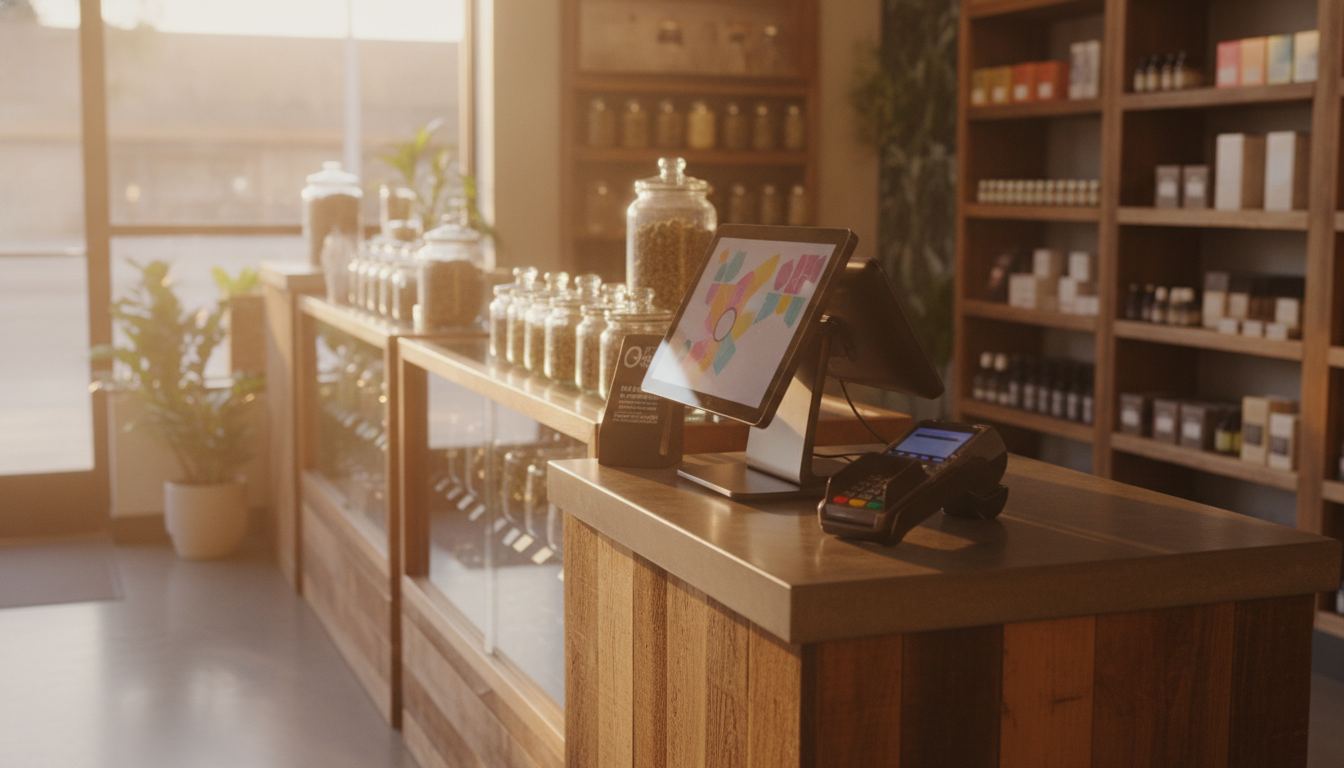
The cost of pos system for small business depends on the hardware, software, payment setup and compliance tools your store actually needs. For a hemp, CBD, smoke, vape or similar shop, the useful answer is a written quote that separates upfront equipment from recurring charges and shows which features are included.
What shapes the cost of pos system for small business?
The total is shaped by how you sell, what equipment you need and which operational tasks the system must handle. A simple counter setup costs differently from a store that needs several registers, detailed inventory controls, online ordering and specialized compliance features.
Hardware may include a terminal, receipt printer, barcode scanner, cash drawer and customer display. Some businesses can use equipment they already own. Others need an integrated setup designed around their checkout flow. Ask whether you will own, lease or return every device.
Software is another part of the quote. Look beyond the headline subscription and identify charges connected to extra registers, inventory tools, employee permissions, reporting, support or integrations. Our pricing page explains why a complete written schedule matters more than an isolated promotional figure.
Payment processing should be shown separately from POS software. The rate depends on your volume, your average ticket and your industry, and you see the whole schedule in writing before you sign. This separation makes it easier to understand what you are paying for and what could change later.
Which costs belong in a written quote?
A useful quote separates equipment, software, payment processing, setup and optional services. If those items are combined into a vague recurring charge, you cannot compare offers fairly or predict how the cost changes when your store grows.
Ask the provider to identify these items in plain language:
- Equipment purchases, rentals and return conditions
- Software subscriptions and optional feature packages
- Payment processing terms and transaction categories
- Installation, data migration and staff training
- Contract length, renewal terms and cancellation conditions
- Support, replacement and warranty responsibilities
- Charges for added registers, locations or users
Also ask which features are included by default. Inventory tracking, customer profiles, purchase orders and employee controls may be standard in one system and optional in another. Smoke retailers can review the operational features described on our smoke shop POS page, while vape retailers can compare the needs covered by a vape shop POS system.
The goal is not to find the shortest quote. It is to find the quote that leaves the fewest unanswered questions. A clear proposal should let you trace each charge to equipment, software, processing or a service you chose.
How do compliance features affect the choice?
Compliance features can change both the system you need and the work required to configure it. Restricted-product retailers should evaluate age checks, product records, employee permissions and reporting before choosing a cheaper general retail package.
Age verification is a good example. Requirements vary by state and product, so check the rules that apply to your business. A capable system should help staff follow your chosen checkout procedure without pretending that software replaces legal advice. Our guide to age verification for restricted retail explains the practical questions to ask.
Product catalogs also deserve attention. Your POS should let you organize restricted inventory, control who can edit product details and preserve useful transaction records. Ask how the system handles returns, discounts and mixed baskets that contain both restricted and ordinary merchandise.
Do not assume that adding a compliance feature makes the whole business compliant. Your products, marketing, shipping practices and payment arrangement must also fit applicable rules and provider requirements. State law varies, so confirm the rules in your own state.
What changes for hemp, CBD and other restricted products?
Restricted products require closer coordination between the POS, payment gateway and merchant account. A general retail system may manage inventory well but still lack a payment setup that fits the products being sold.
For hemp and CBD, accurate product information matters during underwriting. Labels, test records, website claims, fulfillment details and refund policies may all be reviewed. A dedicated CBD payment gateway connects checkout to the approved merchant account, but the acquiring bank still makes the underwriting decision.
Plant-touching cannabis is different. Cannabis remains federally scheduled, so card processing cannot be promised for a dispensary selling those products. Cashless ATMs are not a workaround. They use miscoded transactions, the card networks have acted against the scheme, and we do not sell them. The cashless ATM risk guide explains why the setup can expose a business to disruption.
This distinction matters when comparing POS proposals. A polished demo does not prove that the attached payment arrangement fits your product category. Ask the vendor to identify the POS function, the payment connection and the underwriting party separately.
How should you compare POS vendors?
Compare the same business requirements across every written proposal. Begin with the checkout flow you need, then test inventory, staff permissions, reporting, hardware ownership and payment compatibility against that list.
Request a live demonstration using realistic products and transactions. Have the vendor show how staff verify restricted purchases, correct inventory, process a return and review permissions. A smooth sales presentation is less useful than watching the system handle ordinary store problems.
Read contract and cancellation terms before relying on a promotional offer. Confirm who provides technical support, who replaces failed hardware and whether your data can be exported in a practical format. If payment processing is bundled, ask what happens to the POS when the merchant account changes.
For hemp and CBD sellers, review the provider’s current restricted-business materials instead of relying on a salesperson’s summary. Our processor policy guide shows what to look for without claiming that any named provider will accept a particular business.
When you are ready to compare a setup against your actual products and checkout needs, share the details through our contact form. A useful conversation starts with what you sell, how customers pay and which operational problems the new system must solve.
Frequently asked questions
Should I buy or lease POS hardware?
Buying can provide clearer ownership, while leasing may reduce the amount due at setup. The better choice depends on the contract, replacement terms and how long you expect to use the equipment. Ask whether leased devices must be returned, whether compatible replacements are available and whether the software continues working if you change payment providers.
Can I use my existing payment terminal with a new POS?
Possibly, but compatibility depends on the terminal model, gateway, processor and POS integration. Do not rely on a physical connection alone. Ask the vendor to confirm the complete transaction path in writing, including who supports it. An unsupported combination can create reporting gaps or force employees to enter the same sale in separate systems.
Does a cheaper POS always reduce operating costs?
No. A lower software charge can be offset by missing inventory tools, added hardware, limited support or manual work. Compare the full workflow rather than a single line in the quote. A system that prevents repeated entry and keeps product records organized may be more practical, provided its contract and payment terms are clear.
Can a POS provider guarantee payment processing for CBD?
No. A POS vendor can describe compatible connections, but approval belongs to the acquiring bank after underwriting. Product mix, documentation, website content and business practices can affect that decision. Be cautious when software compatibility is presented as proof of approval. They are related parts of the setup, but they are not the same decision.
What should I prepare before requesting a POS quote?
Prepare a clear description of your products, checkout process, equipment needs, inventory workflow and payment channels. Include any age-check procedure, online sales connection and reporting requirement that matters to daily operations. Better input produces a more useful quote and makes it easier to spot missing features, unclear responsibilities or charges that were not discussed.